
This is a Philips telephone user manual, which mainly introduces how to make a phone call, answer a phone call, set ringtones, etc.
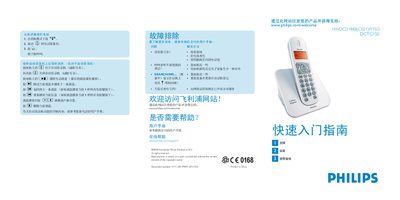
This manual provides step‑by‑step instructions for using the Philips HWDCD1888(C021)P/TSD DCTG150 telephone. It covers making and receiving calls, adjusting speaker volume, managing voicemail, storing contacts, and customizing ringtones. Quick‑start guidance shows how to install the handset, connect the power and telephone lines, and charge the rechargeable batteries.
Additional sections describe the automatic answering machine functions, troubleshooting tips for common issues such as no dial tone or poor audio, and a complete packaging list. The document also includes safety warnings and a reference to Philips online support for further assistance. This manual is written in Chinese.
| Battery type | 2 AAA rechargeable NiMH batteries |
|---|---|
| Battery charging time | 24 hours |
| Maximum dialed number length | 24 digits |
| Maximum contact name length | 12 characters |
Press the r key when the phone rings.
Press the f key to delete the current message.
Press the -+ keys while a message is playing to change the speaker volume.