
This document introduces a Philips telephone product with features such as an answering machine and phonebook management. Users can control the answering machine by pressing specific buttons to turn it on/off, play and delete messages. The phonebook allows users to make calls and store contacts. The document also provides troubleshooting and technical support information.
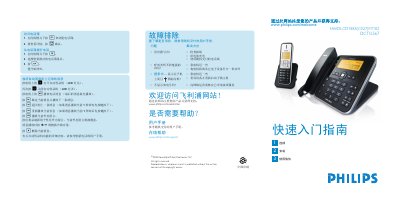
This guide provides step‑by‑step instructions for using the Philips HWDLCD1888(C027)P/TSD DCTG567 auto answering machine. It covers basic functions such as playing and deleting messages, navigating the phone book, making and receiving calls, and adjusting volume.
Additional sections describe the quick‑start setup, power connection, battery charging, ringtone selection, package contents, and a troubleshooting checklist for common issues like no dial tone or poor audio quality. This manual is written in Chinese.
| Maximum dialed number length | 24 digits |
|---|---|
| Charging time for handset battery | 24 hours |
During message playback press the + or ‑ keys to raise or lower the speaker volume.
Press P then O to open the phone book, choose ADD ENTRY, enter the name and telephone number, and confirm with O.
Check the wiring, charge the battery, and use the telephone line supplied with the device.