
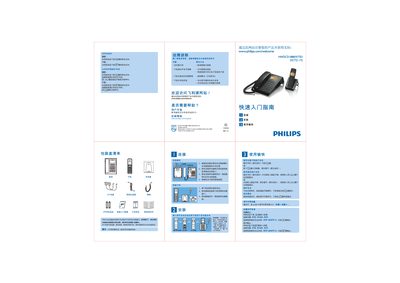
The guide begins with a quick‑start section that lists the package contents, including the base unit, handset, charging base, power cord, and telephone line connector. It explains how to connect the telephone line and power cable, place the handset on the charging base, and perform the first charge of the battery.
Subsequent sections cover everyday use: dialing numbers (up to 32 digits), answering and ending calls, adjusting handset volume, and selecting one of 15 built‑in ringtones. Troubleshooting tips address common issues such as no dial tone, unclear audio, and sudden call drops. This manual is written in Chinese.
| Battery Count | 2 rechargeable batteries |
|---|
Connect the telephone line to the line connector on the back of the base unit, connect the power cord to the power socket, then attach the handset.
Press the setting key, select Sound → Incoming ringtone, choose a tone from 1 to 15, and confirm with the add key.