
This file details the limits and uses of Class B digital devices under FCC rules. These limits are designed to provide reasonable protection against harmful interference in residential installations. This equipment generates, uses and radiates radio frequency energy, and if not installed and used in accordance with the instructions, may cause harmful interference to radio communications. However, there is no guarantee that interference will not occur in a particular installation. If this equipment does cause interference to radio or television equipment reception, which can be determined by turning the equipment off and on, the user is encouraged to try to correct the interference by one or more of the following measures: -Reorient or relocate the receiving antenna -Move the equipment away from the receiver -Plug the equipment into an outlet on a circuit different from that to which the receiver is connected -Consult the dealer or an experienced radio/television technician for additional suggestions You are cautioned that any change or modifications to the equipment not expressly approve by the party responsible for compliance could void Your authority to operate such equipment. This device complies with Part 15 of the FCC Rules. Operation is subjected to the following two conditions 1) this device may not cause harmful interference and 2) this device must accept any interference received, including legal interference.
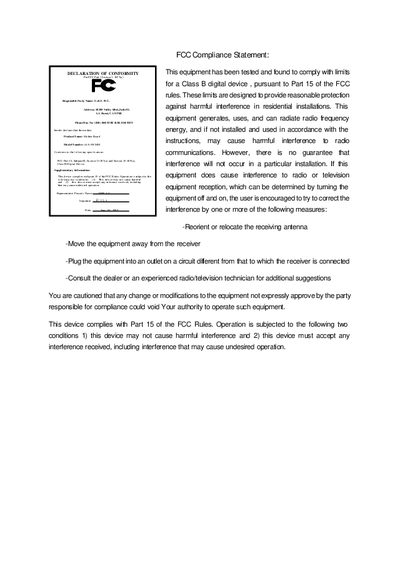
This guide provides the FCC compliance statements, safety warnings, and regulatory declarations for the GA-6WMM motherboard. It explains the conditions under which the device must operate and lists steps to mitigate possible radio‑frequency interference.
The document walks the user through hardware installation, BIOS flashing with the AWDFlash utility, and Windows driver setup. Appendices include CD‑ROM contents and detailed BIOS update procedures. This manual is written in Chinese.
| Supported CPUs | Pentium II, Pentium III, Celeron |
|---|
Try reorienting or relocating the receiving antenna, moving the equipment away from the receiver, or plugging it into a different circuit.
Run the AWDFlash.exe (or AMIFlash.exe) utility from the provided CD‑ROM to flash the BIOS.