
DriveSize is a sizing software for ABB drive series products. The software can help users quickly select suitable products according to motor load, supply voltage, ambient conditions and other parameters during the selection process.
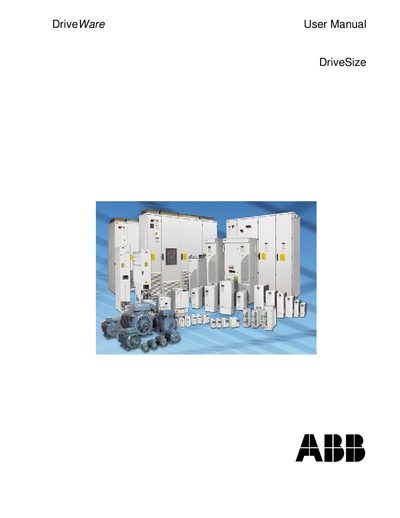
This manual provides step‑by‑step instructions for installing the DriveSize program, setting up the working environment, and using its dimensioning functions to select appropriate motors and drives. It also describes the software’s interface, conventions, and how to generate technical reports in Excel.
Additional chapters cover special features such as custom duty cycles, network checks, harmonic calculations, and printing of results, including efficiency and network check reports. System requirements and supported hardware are listed to ensure proper operation on Windows PCs.
| Minimum CPU | Pentium 4 or higher |
|---|---|
| Minimum RAM | 512 MB |
| Supported OS | Windows 2000 or XP |
| Hard Disk Space | 250 MB |
| Required Software | Microsoft Excel 97 or later, .NET Framework 3.5 SP1 |
The default working directory is C:\ProgramFiles\DriveWare\DriveSize\Data\Projects, but you can change the location during installation.