
This document introduces the features and characteristics of the Colorful 865 series motherboards, including support for different processors and memory, various interfaces, and strong expandability.
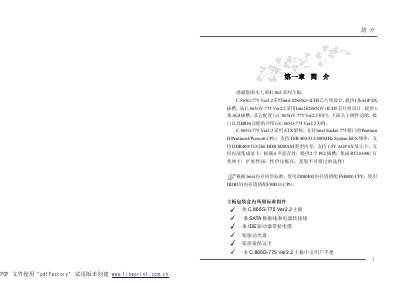
This manual describes the hardware features of the Colorful C.865G-775 Ver2.2 motherboard, including its Intel 82865G/82865GV + ICH5 chipset, Socket 775 CPU support, dual DDR memory slots, AGP and PCI expansion slots, SATA and USB connectors, integrated AC’97 audio and Realtek RTL8100C Ethernet.
It also guides users through installing the CPU, memory, and board, configuring jumpers, setting up BIOS options, performing BIOS updates, and diagnosing common error messages. Appendices provide compatibility lists, audio testing procedures, and a glossary of terms. This manual is written in Chinese.
| CPU socket | Intel Socket 775 |
|---|---|
| Chipset | Intel 82865G/82865GV + ICH5 |
| Memory | 2 x 184‑pin 2.5 V DIMM, DDR266/333/400, up to 2 GB |
| Expansion slots | 1 x AGP 8X (down‑compatible to 4X), 2 x PCI 32‑bit |
| SATA ports | 2 x Serial ATA 3.0 Gb/s |
| USB ports | 6 USB ports (2 support USB 2.0) |
| Network | Realtek RTL8100C 10/100 Mbps Ethernet |
Turn off the system, unplug the ATX power, short pins JCS2 2‑3 for three seconds, then restore the jumper to 1‑2 and reconnect power.
It supports Intel Socket 775 CPUs such as Pentium D, Pentium 4, and Prescott core processors.
The board has two 184‑pin DIMM slots that accept DDR266/333/400 modules, with a total maximum of 2 GB.
Create a bootable floppy, copy the BIOS update files, run the appropriate AMI or Award utility in DOS mode, and follow the on‑screen prompts.