
Key facts
- Brand
- Schneider
- Model
- ALTIVAR212
- Industry
- Industrial
- Documents
- 6
- Languages
- EN · ZH
- Last added
- 2012-03-21
Start here
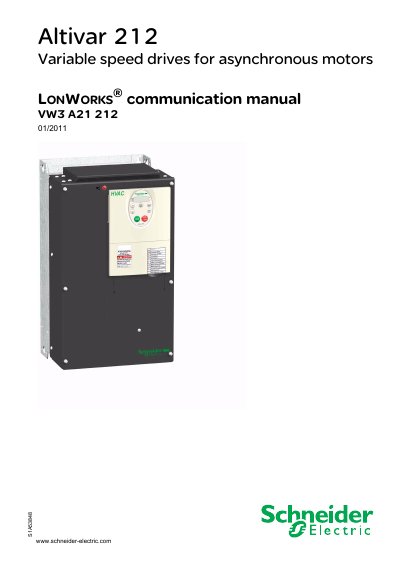
Schneider Electric Altivar 212 LONWORKS Communication Manual
This manual explains how to install the LONWORKS® option card in the Altivar 212 drive, configure network communication, and use the drive’s monitoring and diagnostic functions. It also provides safety information, hardware descriptions, and details on the supported network variables.
The document includes step‑by‑step procedures for hardware setup, wiring, parameter configuration, and troubleshooting, as well as tables of network variables, commands, and status information needed for integration into a LONWORKS fieldbus system.
Schneider ALTIVAR212 specifications
| Reference voltage for VIB input | 10 Vdc |
|---|---|
| Maximum current for VIB input | 10 mA |
| Power supply output for relay contacts | 24 VDC, 50 mA |
| Communication speed of LonWorks network | 78 kbit/s |
Source: Schneider Electric Altivar 212 LONWORKS Communication Manual
All Schneider ALTIVAR212 documents by type
Day-to-day operation, settings and troubleshooting. Start here if the product is already set up.
Disassembly, diagnostics and part numbers, for repair.
Mounting, wiring and first power-up. Read it before the hardware goes in.
Instruction set, parameters and examples for configuring or programming the device.
Questions answered in these manuals
What is the purpose of this manual?
The manual is intended to install the LONWORKS option card in the Altivar 212 drive and to show how to configure the drive for monitoring and control over a LONWORKS network.
From: Schneider Electric Altivar 212 LONWORKS Communication Manual
What are the wiring requirements for the LonWorks connector?
The LonWorks card uses an open‑style 3‑pin connector; the shield (SHLD) must be grounded separately from the power ground, and the data lines (NETA, NETB) are polarity‑free.
From: Schneider Electric Altivar 212 LONWORKS Communication Manual
What Modbus functions are available in the Altivar 212?
The drive supports four Modbus functions: Read Holding Registers (function 3), Write Single Register (function 6), Write Multiple Registers (function 16), and Read Device Identification (function 43/14).
What are the default communication parameters for Modbus on the Altivar 212?
The default communication uses a 2‑wire RS485 interface with a baud rate of either 9600 bps or 19200 bps.
What safety steps must be taken before servicing the Altivar 212?
Disconnect all power, place a “DO NOT TURN ON” label, lock the disconnects, wait 15 minutes for the DC bus capacitors to discharge, and verify the bus voltage is below 42 VDC.
From: Schneider Electric Altivar 212 Variable Speed Drive Programming Manual
How can the Modbus address be configured on the Altivar 212?
The Modbus address is set using the parameter "Modbus address" which can be programmed to any value between 0 and 247.
From: Schneider Electric Altivar 212 Variable Speed Drive Programming Manual