
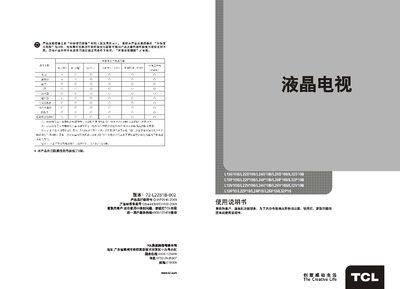
The TCL L32P10 is a television featuring a high-brightness, high-contrast LCD screen designed to reduce eye fatigue. It supports various input interfaces including AV, YPbPr, VGA, and HDMI, and can function as a high-performance computer monitor.
This manual provides essential guidance on safety precautions, hardware connections, remote control usage, and basic operational settings such as signal source selection and channel tuning. This manual is written in Chinese.
| Operating Voltage | 220V- 50Hz |
|---|
You can press the 'Menu' button and select the 'Signal Source' icon, or directly press the 'Source' button on the remote or panel.
Use a dry, soft, lint-free cloth or a specialized LCD cleaning agent; do not use water or other chemical cleaners.