
The document introduces two products, DC12V 2W+2W L24P61 and DC24V 2W+2W L26P61. Their features are different in terms of power and size. The power of L24P61 is 30W and the size is 60cm, while the power of L26P61 is 45W and the size is 66cm. In addition, the document also mentions the interfaces and functions of the products.
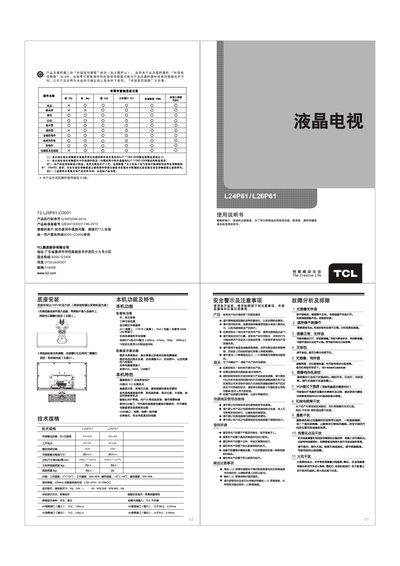
This manual provides safety warnings, environmental guidelines, and detailed installation steps for the TCL L24P61/L26P61 LCD TV. It covers connection diagrams, power and antenna setup, and how to securely mount the base.
The guide also explains basic operation, menu navigation, picture and sound settings, USB playback, and troubleshooting common issues such as no picture, no sound, or signal interference. This manual is written in Chinese.
| Audio Output Power (L+R) | 2 W |
|---|---|
| Working Voltage | DC 24 V |
| Rated Speaker Power | 30 W |
| Operating Humidity | 5 °C – 35 °C |
| Reception Frequency Range | 47 MHz |
Check that the antenna or cable is properly connected, ensure the power is on, and verify that the source input is correctly selected.
Yes, connect the VGA cable to the VGA input port and select the VGA mode from the menu; note that some picture‑adjustment functions are unavailable in VGA mode.
Press the menu button, navigate to the ‘Automatic Scan’ option, and start the scan; the TV will store found channels automatically.