
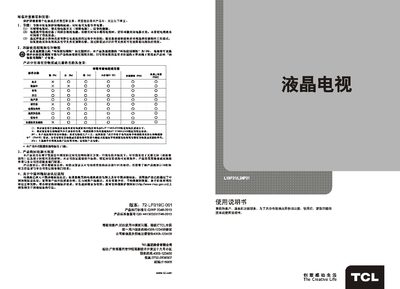
This manual explains safety warnings, environmental considerations, and proper handling of the TCL L19P31/L24P31 television. It includes instructions for installation, remote‑control usage, and basic operation such as power on/off, channel selection, and menu navigation.
Detailed sections cover image and sound settings, USB media playback, function configuration, and troubleshooting tips for common issues like no picture or no sound. Technical specifications for the TV model are also listed. This manual is written in Chinese.
| Model numbers | U9P31 / 124P31 |
|---|---|
| Audio output power | 4 W (left + right) |
| Working voltage | 220 V ~ 50 Hz |
| Rated power consumption | 30 W / 35 W |
| Screen diagonal size | 47 cm / 60 cm |
| Storage temperature | -15 °C ~ 45 °C |
| Supported TV standards | PAL, DK, NTSC, etc. |
Open the menu, select the language option, and choose either Chinese or English.
The TV can play JPEG images and MP3 audio files from a USB device.