
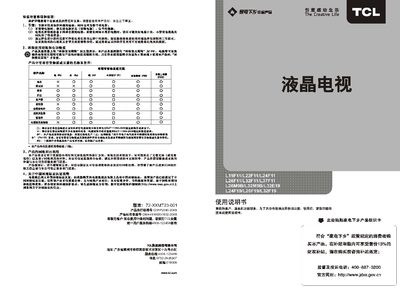
The manual begins with safety and environmental precautions, advising users to turn off the power switch when the TV is not in use, reduce screen brightness, and follow proper recycling procedures. It also outlines the product's compliance with Chinese environmental certification and RoHS standards.
Subsequent sections describe the TV’s features such as multiple video inputs (HDMI, VGA, AV), picture and sound settings, remote‑control functions, USB media playback, and geometry adjustments. Technical specifications, exterior diagrams, and a troubleshooting guide are included to help users install, operate, and maintain the television. This manual is written in Chinese.
| Screen size (diagonal) | 66 cm |
|---|---|
| Weight | ≈7 kg |
| Operating temperature range | 5°C‑35°C |
Turn off the power switch when you are not watching TV to save energy.
Press the program +/- keys on the remote or use the numeric keys to select a channel directly.
The TV supports JPEG images and MP3 audio files via USB.