
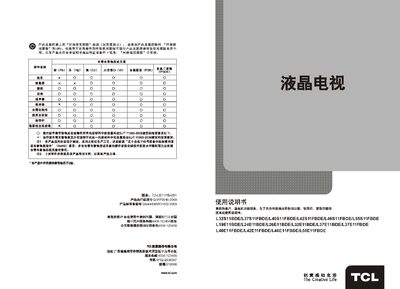
This manual explains how to safely install and operate the TCL L55E11FBDE liquid‑crystal television. It covers safety warnings, connection diagrams, remote‑control usage, and the full on‑screen menu system.
Detailed sections describe the TV’s audio and video features, technical specifications, and a troubleshooting guide for common issues such as no picture, no sound, or signal interference. This manual is written in Chinese.
| Screen size (diagonal) | ≈80 cm |
|---|---|
| Audio output power (left+right) | 4 W + 4 W |
| Operating voltage | 220 V ~ 50 Hz |
| Rated power consumption | 100 W |
Press the power key on the TV unit to turn it on; then press the standby key on the remote to exit standby mode.
Press the channel up or channel down key on the remote to switch channels; the same keys on the TV panel also work.
Enter the main menu, select the picture settings submenu, and adjust brightness, contrast, color temperature, and other options as needed.