
This document is the user manual of YEPP VY-H200 MP3 player. It introduces the basic operation methods and functions of the MP3 player, including play, pause, stop, fast forward, rewind, loop playback, EQ adjustment, Intro Scan, delete, copy, record, etc.
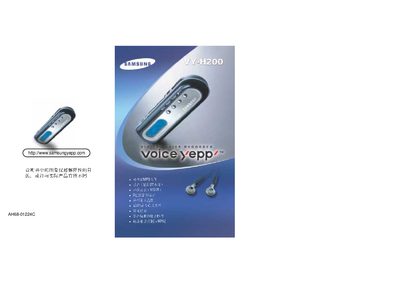
The VY-H200 is a USB mass‑storage voice recorder that connects directly to a PC via a standard USB cable. When attached, the device is recognized as a Mass Storage Device and can be accessed like a removable drive.
The manual explains supported Windows operating systems (Windows 98/ME, 2000, XP), how to format the internal memory, and basic usage tips. It also lists the technical specifications such as storage capacity, power consumption, frequency response, and operating temperature. This manual is written in Japanese.
| Storage Capacity | 16 MB / 32 MB / 64 MB |
|---|---|
| Operating Frequency Range | 400 Hz – 3.3 kHz |
| Power Consumption | 4 mW |
| Operating Temperature | SC‑35C |
| Supply Voltage | 1.3 V |
Use the PC’s standard format utility on the VY‑H200 drive; the manual provides step‑by‑step instructions.