
This document is the user manual for Aten KA9233, it introduces the features and usage of the product
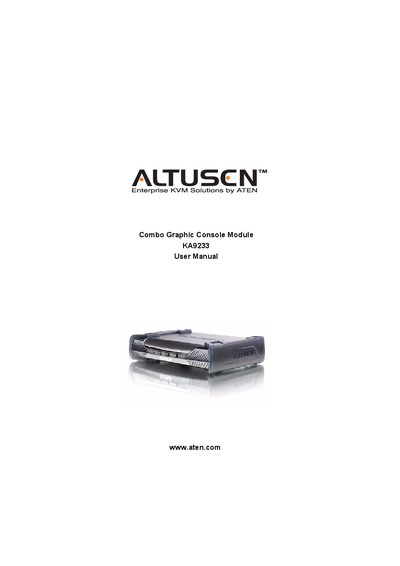
This manual covers all essential information for installing, mounting, and safely operating the ATEN KA9233 combo graphic console module. It includes FCC Class A and RoHS compliance statements, safety guidelines, rack‑mounting procedures, and detailed descriptions of ports and features.
The document also lists the package contents, provides troubleshooting steps, and explains user management, network settings, and firmware upgrade processes, ensuring users can configure and maintain the KVM switch effectively.
Yes, the KA9233 is an FCC Class A product.
The package includes a combo graphic console module with stacking brackets, a KVM cable, a power adapter, a rack mount kit, a firmware upgrade cable, a user manual, and a quick start guide.
Yes, the product is RoHS compliant.