
This document is the user manual for the KA9250 KVM Extender Module, providing detailed installation and operation procedures to prevent any damage to the units and/or any devices that connect to them. The document also includes the necessary accessories and contact information.
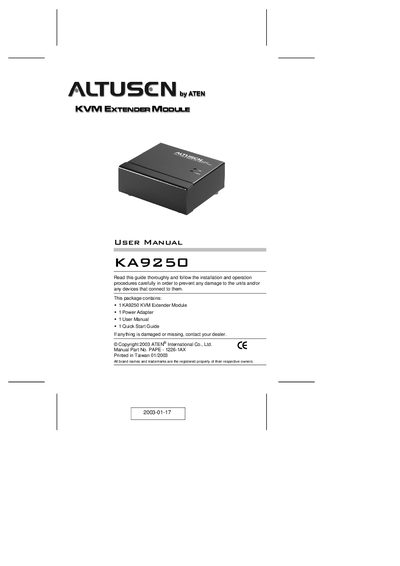
The KA9250 KVM Extender Module lets you operate ATEN KH0116 or KL0116 16‑port KVM switches from a remote console up to 150 m away using a standard Category 5 cable. It connects to the switch’s Remote Console port and provides keyboard, mouse and video signals to the remote workstation.
Installation is straightforward: plug the keyboard, mouse and monitor into the KA9250’s console ports, connect a Category 5 cable to the switch’s Remote Console port, attach the power adapter and power up. The module includes LEDs for power and link status, and a push‑button to select the active console.
| Keyboard connector | 1 x 6‑pin mini‑DIN female |
|---|---|
| Mouse connector | 1 x 6‑pin mini‑DIN female |
| Monitor connector | 1 x 15‑pin HDB female |
| Maximum cable length | 150 m (max.) |
| Video resolution | 1280 × 1024 |
| Power consumption | 4.0 W (max.) at 9 V AC |
| Housing material | Metal |
| Weight | 220 g |
| Dimensions (L×W×H) | 100 × 80 × 35 mm |
It can operate the switch from a remote console up to 150 m away using Category 5 cable.
Category 5 cable is the minimum required, and it is recommended for best performance.
Press the Disable Remote toggle button (KH0116) or the LCD Display toggle button (KL0116) until it clicks and locks in the In position.