
This manual introduces the basic functions, installation, operation methods and precautions of KL9108/KL9116 Dual-Rail LCD KVM Switch.
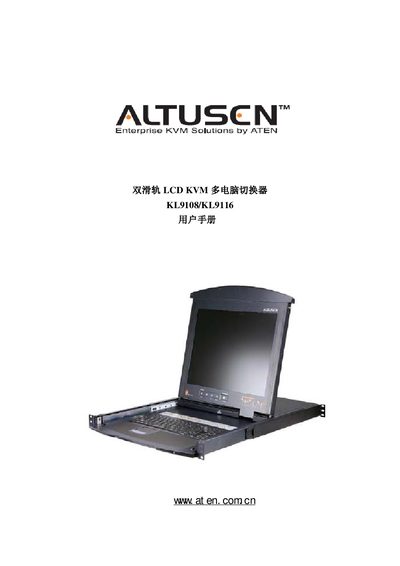
This manual covers the ATEN KL9108/KL9116 dual‑track LCD KVM switch, describing its features, hardware components, and system requirements. It guides users through packaging contents, rack‑mount installation, and optional accessories.
Key sections include hardware installation, basic operation, management functions, browser‑based control, Windows and Java client applications, logging tools, and AP (alternative protocol) operation. Technical specifications and troubleshooting tips are provided at the end of the document. This manual is written in Chinese.
| Host connections (KL9108) | 8 |
|---|---|
| Host connections (KL9116) | 16 |
| Maximum hosts via stacking (KL9108) | 64 |
| Maximum hosts via stacking (KL9116) | 128 |
| Local control ports | 1 |
| Remote control ports | 1 |
| KVM ports (KL9108) | 8 × SPHD-15 |
| KVM ports (KL9116) | 16 × SPHD-15 |
| Power input | 1 × three‑phase AC inlet |
A KL9108 unit supports up to 8 directly connected hosts, or up to 64 hosts when stacked.
The standard package contains one KL9108 or KL9116 KVM switch, a rack‑mount kit, a set of KVM cables, a power cord, the user manual, and a quick‑install card.
You should register the product at ATEN’s online support center using the provided registration links.
The switch uses a three‑phase AC power inlet.