
This is a user manual for a remote KVM multi-computer switch, which includes the product packaging list, specifications, installation instructions, etc.
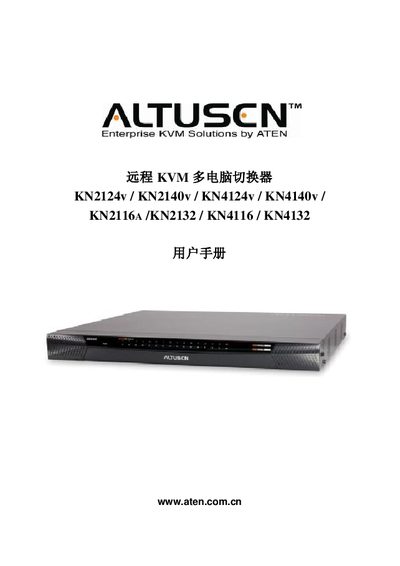
This manual provides installation, configuration and operation instructions for ATEN's remote KVM multi‑computer switches. It covers hardware setup, rack mounting, module connections, power management, and network configuration for the listed KN series models.
The guide also includes safety notices, FCC and RoHS compliance information, warranty terms, and details on user management, virtual media support, and advanced security features. Online registration and phone support contacts are provided for each region. This manual is written in Chinese.
| Firmware version | 1.1.106 |
|---|---|
| Print date | 2010/09 |
| Warranty period | 1 year from purchase date |
Visit ATEN's online support center at http://support.aten.com for registration, or use the regional URLs listed for North America, ATEN TECH, ATEN NJ, and China.
The product is covered by a one‑year warranty against material and workmanship defects from the date of purchase.