
This is a user manual for the KVM Over the NET™ product, which provides instructions on how to use the product, features, installation guide, troubleshooting, etc.
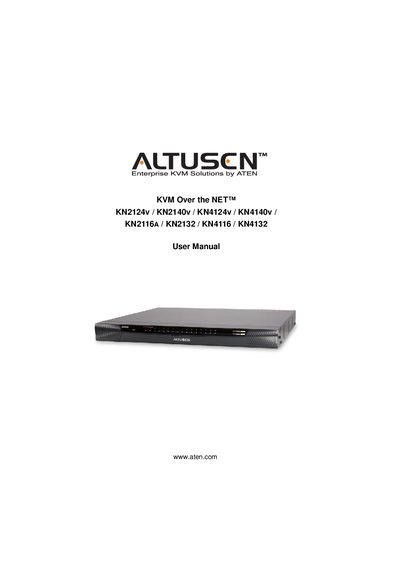
The KVM Over the NET series from ATEN (branded Altusen) enables remote control of multiple computers through a single keyboard, video, and mouse interface. This manual covers eight switch models and provides guidance on hardware setup, network configuration, and user management.
The document includes step‑by‑step procedures for rack mounting, single‑ and two‑stage installations, super‑administrator setup, and detailed descriptions of the web‑based and client interfaces. It also contains safety information, FCC compliance notes, and troubleshooting tips.
| FCC Classification | Class A |
|---|---|
| RoHS Compliance | Compliant |
| Power Cord Included | Varies by model (1 or 2 cords) |
Register the product at ATEN’s online support center using the provided URLs for international or North America registration.
The manufacturer makes no representations or warranties, expressed or implied, regarding the contents of the manual.