
KE8220 Virtual VNC Console User Manual
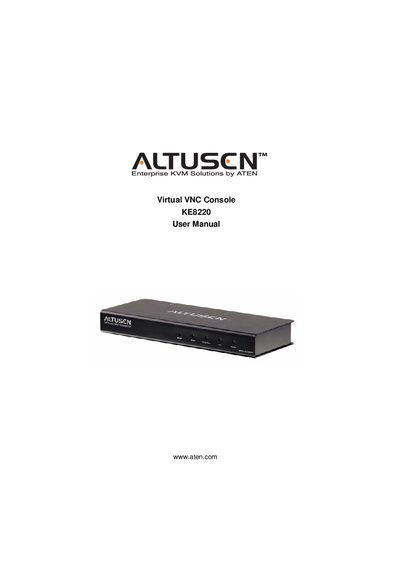
This manual covers the KE8220 Virtual VNC Console, a KVM solution that includes a wireless‑G USB adapter, power adapter, rack‑mount kit and software. It details hardware installation, network configuration, and the AltusenVNC software used to access remote computers.
The document also includes FCC compliance information, safety instructions, package contents, and troubleshooting guidance, along with contact details for technical support and product registration.
| RoHS compliance | Yes |
|---|
The package contains the KE8220 Virtual VNC Console, a Wireless‑G USB Adapter, a software CD, a power adapter, a rack‑mount kit, the user manual, and a quick start guide.
The KE8220 is classified as an FCC Class A digital device for commercial environments.