
The SN3101 is a serial device server from ATEN that supports RS-232, RS-422, and RS-485 interfaces, allowing you to connect and manage serial devices.
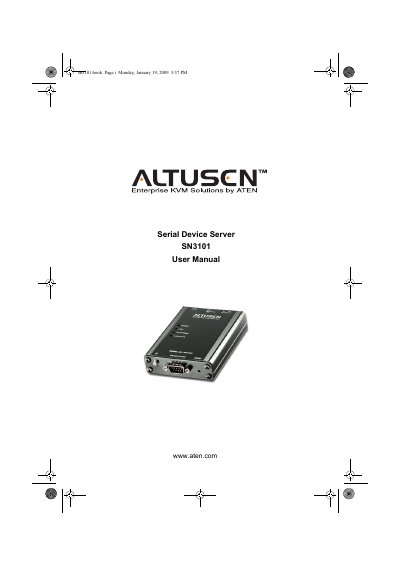
This manual covers everything needed to install and operate the ATEN SN3101 Serial Device Server. It begins with a description of the package contents and hardware setup, including mounting options and power connections. Subsequent chapters guide you through network configuration, COM‑port management, virtual ports, and advanced features such as LDAP, RADIUS, and SNMP.
Safety notices, FCC and RoHS compliance information, and warranty details are also included, along with troubleshooting tips and technical support contacts for both international and North American users.
Register the product online at ATEN’s support site (http://support.aten.com) or the North America site (http://aten-usa.com/product_registration).
International support: 886‑2‑8692‑6959; North America support: 1‑888‑999‑ATEN or 1‑732‑356‑1703.
Verify that the voltage setting is correct before powering the device to avoid damage.