
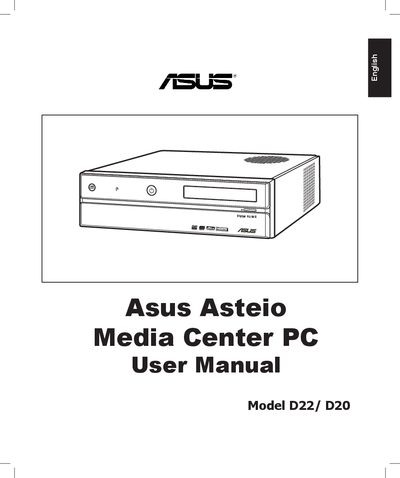
This manual introduces the Asus Asteio Media Center PC, describing its hardware features, operating system (Windows XP Media Center Edition), and the remote‑control based entertainment functions. It guides users through safe installation, connection of TV signals, peripheral setup, and basic operation of the media center software.
The document also lists the technical specifications of the D22/D20 models, including CPU, memory, storage, graphics, I/O ports, and dimensions, helping users understand the capabilities and requirements of the system.
| CPU | Intel Conroe E6300 1.86 GHz |
|---|---|
| Graphics | NVIDIA nForce4 7600 series / Intel GMA X3000 |
| Memory | 1 GB DDR2 533 (2 × 512 MB) dual‑channel |
| Hard Drive | 250 GB SATA2 7200 rpm (or 160 GB SATA2 7200 rpm) |
| Optical Drive | 16× DVD Dual Super‑Multi DL |
| Wireless LAN | 802.11b/g |
| LAN | 10/100/1000 Mbps Ethernet |
| Power Supply | 275 W (PFC) |
| Dimensions | 357 mm W × 95 mm H × 398 mm D |
The front panel provides two USB 2.0 ports.
The system ships with Microsoft Windows XP Media Center Edition.