
This document describes the features and characteristics of the Pundit-PH3 and Pundit-PE3 products, including supported memory card types, interface types, and CPU socket types.
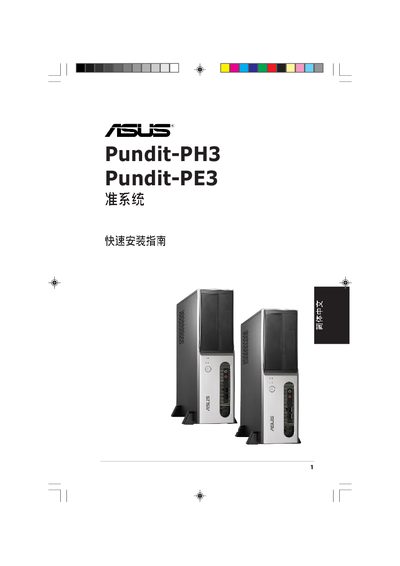
The guide walks users through the quick installation process for the ASUS Pundit‑PH3 and Pundit‑PE3 motherboards, covering front‑panel functions, component layout, and required tools. It includes detailed procedures for removing the chassis side panel and front panel, installing the CPU, DIMM modules, optical and SATA drives, and re‑assembling the system.
Key sections include front‑panel connector descriptions, internal component locations, PCI‑Express slot usage, and safety notes for handling the board. The manual ends with instructions for reinstalling the side and front panels to complete the setup. This manual is written in Japanese.
| USB 2.0 interface | Present |
|---|---|
| 4‑pin IEEE 1394a interface | Present |
| CompactFlash slot | Present |
| Secure Digital / Multimedia Card slot | Present |
| SmartMedia slot | Present |
| LAN (RJ‑45) port | Present |
| PCI Express x1 slot | Present |
| PCI Express x16 slot | Present |
| CPU socket type | LGA775 |
| DIMM slots | Present |
The motherboard uses an LGA775 CPU socket.