
This document is an instruction manual for a product from CANON INC. It describes the features and characteristics of the product.
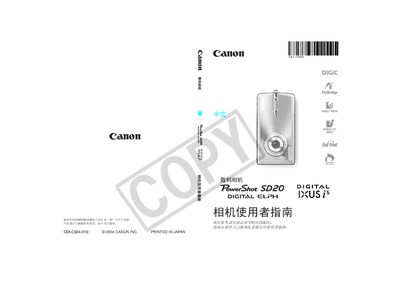
This manual explains how to operate the PowerShot SD20, covering basic shooting modes, battery handling, and image playback. It also includes guidance on connecting the camera to a computer for printing and using Canon accessories.
Safety warnings advise using only genuine Canon accessories and outline warranty limitations. Detailed sections describe each shooting mode, ISO settings, white balance, and special functions such as slow‑motion and panoramic capture. This manual is written in Japanese.
| Pixel defect rate | ≤0.001% |
|---|
Recharge the battery for at least four hours before resetting the date and time.
Connect the camera to the computer via the USB cable and use the DPOF printing function to transfer images.