
This is a PDF file on how to use an MP3 player.
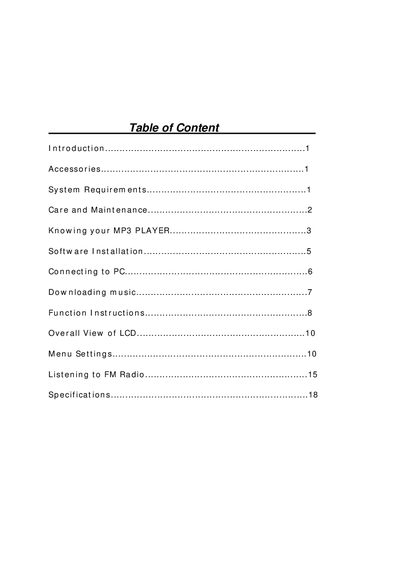
This manual introduces the Genius MP3 Player, lists the supplied accessories, and details the system requirements needed for proper operation. It also covers care and maintenance guidelines to keep the device functioning safely.
The guide explains how to install the driver software, connect the player to a PC via USB, download music, use the built‑in FM radio, and record audio. A full specification table at the end lists dimensions, battery, memory, and audio performance details.
| Size (H x W x D) | 72x26x18 mm |
|---|---|
| Net Weight | 22.5 gram |
| Memory Capacity | Internal Flash Memory 256MB/512MB |
| Power Supply | 1 AAA Rechargeable battery |
| Play Time | up to 10 hours |
| Interface | USB 2.0 Full Speed |
| FM Tuner | 87.5 - 108 MHz FM stereo |
| Preset Channels | Up to 30 |
| Digital Music Formats | MP3, WMA |
| Voice Recording Format | ADPCM type |
| Display | 128 x 32 Dot‑Matrix LCD |
| Signal‑to‑Noise Ratio | >90 dB |
| Frequency Response | 20 Hz ~ 20 kHz |
| Output Power | 5 mW (L&R) |
| Total Harmonic Distortion | < 0.05 % |
| Lyrics Display | Supports .lrc files |
Enter FM radio mode, then press and hold A‑B to start recording; the LCD shows “@” and the file is saved automatically.