
This document introduces the specifications and recommended brands for purchasing new ink pen refills for digital pens, as well as the situations that require battery replacement for digital pens and maintenance precautions for digital boards and pens.
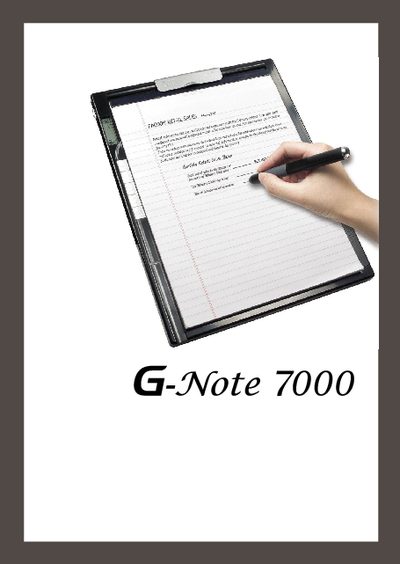
This guide provides basic setup and usage information for the Genius G-Note 7000 laptop. It includes details on the device's physical dimensions, weight, storage, and supported interfaces.
Key points covered are the LED indicator, USB 1.1 port (2 Mbps), and compatibility with Microsoft Windows operating systems.
| Dimensions | 216 mm x 280 mm (8.5" x 11") |
|---|---|
| Flash Memory | 32 MB NAND |
| USB Version | USB 1.1 (2 Mbps) |
| Operating Voltage | 1.5 V |
The laptop measures 216 mm by 280 mm (8.5" × 11").
It includes 32 MB of NAND flash memory.
The laptop provides a USB 1.1 port with a maximum speed of 2 Mbps.
The device operates at 1.5 V.