
The document introduces the features and characteristics of the G-Note 5000 digital notebook, including compliance with FCC regulations, prevention of radio frequency interference, and usage and installation considerations. The device is designed for residential installations and can generate, use, and radiate radio frequencies. Improper use of the device may cause interference with radio communications, although there is no guarantee of no interference in specific installations. If there is harmful interference to radio or TV reception, users are advised to try reorienting or relocating the receiving antenna, increasing isolation, connecting to a different circuit outlet, or consulting a dealer or experienced radio/TV technician.
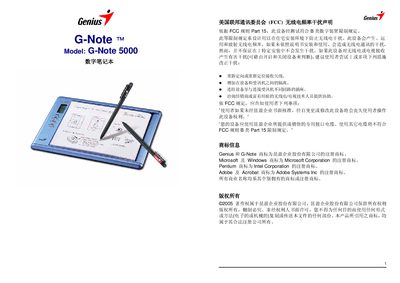
This manual introduces the G-Note 5000 digital notebook, its packaging contents, system requirements and how to install batteries in both the notebook and the digital pen. It also covers the basic operation of the device, including power‑on procedures, page navigation, menu functions and how to manage digital note pages.
The document further describes the Digital Organizer software for Windows, detailing installation, importing/exporting notes, and troubleshooting common issues. Technical specifications such as storage capacity, dimensions, battery life and power consumption are listed at the end. This manual is written in Chinese.
| Built‑in storage | 32 MB |
|---|---|
| Battery life (alkaline) | 100 ± 20 hours |
| Dimensions (W×H×D) | 281 mm × 180 mm × 15 mm |
| Weight (without batteries) | 358 g |
| Writing area | A5 (150 mm × 210 mm) |
| Power consumption (active) | 60 mW ± 15 mW |
Press the new‑page button (/) before you start writing; the LCD will show a new blank page to prevent overlap.
Check that the pen’s battery is installed correctly with the positive side up; an incorrectly installed battery will prevent the pen from functioning.