
G-Note series is a digital notebook product launched by Genius, which can be used to write, edit and save handwritten notes. G-Note series supports Microsoft Windows operating system, and can be connected to the computer via USB.
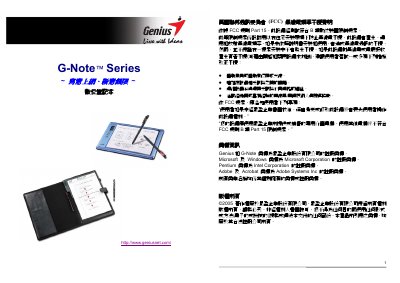
This manual introduces the Genius G-Note series, a portable digital notebook that records handwritten notes and stores them in built‑in memory. It covers hardware setup, battery installation, and how to use the included Digital Organizer software on Windows.
Detailed sections explain the function keys, menu settings, writing area dimensions, power management, and troubleshooting steps such as changing writing direction, formatting the memory, and replacing pens or batteries. This manual is written in Chinese.
| Writing area (G‑Note 5000) | 150 mm × 210 mm (A5) |
|---|---|
| Writing area (G‑Note 7100) | 210 mm × 263 mm (A4/Letter) |
| Internal memory | 32 MB flash |
| Battery life (continuous use) | ≈ 100 hours |
| Dimensions (G‑Note 5000) | 281 mm × 180 mm × 15 mm |
The G‑Note 5000 can store about 150 pages, while the G‑Note 7100 can store about 75 pages in its 32 MB memory.