
Key facts
- Brand
- Genius
- Model
- MP3 PLAYER
- Industry
- Electronics
- Documents
- 3
- Languages
- EN
- Last added
- 2012-03-20
Start here
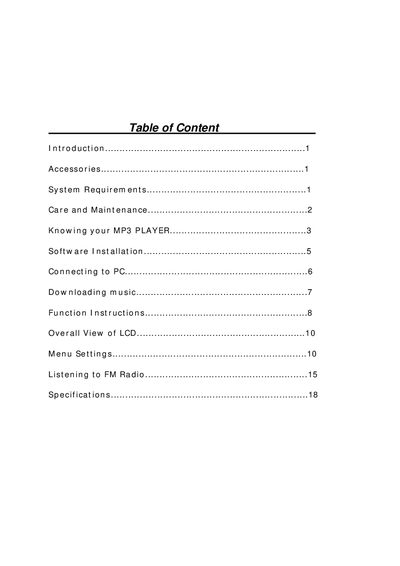
Genius MP3 Player User Manual
This manual introduces the Genius MP3 Player, its accessories, system requirements, and basic care guidelines. It explains how to power the device, navigate menus, and use built‑in features such as playback, volume control, and FM radio.
Detailed sections cover software installation, connecting the player to a PC via USB, downloading music, recording voice or FM broadcasts, and specifications of the device. Safety and maintenance tips are also included.
Genius MP3 PLAYER specifications
| Size (H x W x D) | 72xX26x18 mm |
|---|---|
| Net Weight | 22.5 gram |
| Memory Capacity | Internal Flash Memory 256 MB / 512 MB |
| Power Supply | 1 AAA rechargeable battery |
| Interface | USB 2.0 Full Speed |
| FM Tuner | 87.5 – 108 MHz FM stereo broadcasting |
Source: Genius MP3 Player User Manual
All Genius MP3 PLAYER documents by type
Day-to-day operation, settings and troubleshooting. Start here if the product is already set up.
Questions answered in these manuals
How do I record FM radio on the player?
Enter FM radio mode, then press and hold A‑B to start recording; the LCD shows “@” and the file is saved automatically.
How do I install the driver for the Genius MP3 PLAYER on Windows?
Insert the installation CD (or run ShowMenu.exe), click the INSTALL icon, follow the wizard, and restart the computer.
What should I do if the player gets wet?
Immediately remove power and contact the retailer; avoid using the device while wet.