
Kingston HyperX SSD is a high-performance solid state drive that uses the latest SandForce controller technology and premium NAND Flash chips to provide faster read and write speeds, reduce system boot time, and improve system stability. This solid state drive also supports SATA Rev 3.0 (6Gb/s) transfer speeds to meet users' needs for high-speed data transmission.
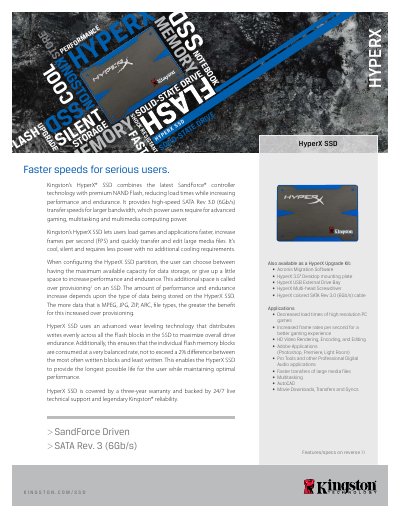
The Kingston HyperX SSD is a 2.5" solid‑state drive that uses a SandForce SF‑2281 controller and Intel 25nm MLC NAND. It offers SATA Rev 3.0 (6 Gb/s) performance, over‑provisioning options, and a three‑year warranty with 24/7 technical support.
Designed for desktop and notebook workloads, the drive provides high sequential read/write speeds, high IOPS, low power consumption, and robust shock and vibration resistance, making it suitable for gaming, multimedia editing, and professional applications.
| Form factor | 2.5" |
|---|---|
| Controller | SandForce® SF‑2281 |
| Interface | SATA Rev 3.0 (6 Gb/s), SATA Rev 2.0 (3 Gb/s) |
| Capacities | 120 GB, 240 GB, 480 GB |
| Sequential read speed | 555 MB/s (120 GB/240 GB), 540 MB/s (480 GB) |
| Sequential write speed | 510 MB/s (120 GB/240 GB), 450 MB/s (480 GB) |
| Power consumption (idle) | 0.455 W (typical) |
| Operating temperature range | 0 °C to 70 °C |
| Shock resistance | 1500 g |
The HyperX SSD is covered by a three‑year warranty.
It uses SATA Rev 3.0 (6 Gb/s) and is also compatible with SATA Rev 2.0 (3 Gb/s).
Yes, but only at the user’s own risk and it requires third‑party software; Kingston does not provide support for this.