
U220 Flash Drive User Manual, introducing the usage methods of the flash drive
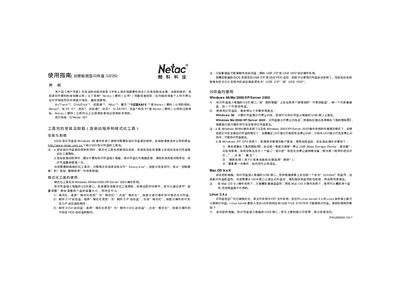
This manual explains how to install the driver and utility package for the Netac U220 flash drive, format the device, create bootable USB or ZIP drives, and use the built‑in encryption features. It covers supported operating systems, password management, and the steps for safely removing the drive.
The guide also lists technical notes such as actual usable capacity, default password settings, error‑attempt limits, and protection‑time defaults, plus contact information for Netac technical support. This manual is written in Chinese.
| Supported Windows versions | Windows 98/Me/2000/XP/Server 2003 |
|---|---|
| Initial password (factory default) | Empty |
| Maximum password error attempts | 255 |
| Protection time default | 6 minutes |
| Usable capacity note | Actual usable capacity may be less than the nominal capacity |
For Windows 98, wait until the drive indicator stops flashing and then unplug the USB. For Windows Me/2000/XP/Server 2003, click the safe‑remove icon in the system tray and follow the prompts before unplugging.
Run the formatting tool, choose “Format” as the format type, and click the format button to format the entire drive.
Yes. In the formatting tool select “Create ZIP boot disk” or “Create HDD boot disk” as the format type to make a bootable USB.
Open the Management Tool from the password prompt, then you can set a new password, change the existing one, or reset it.