
This is a user guide for the U227 flash drive, which introduces how to install the driver, format tool, use the flash drive, etc.
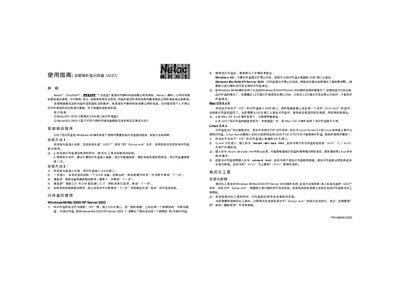
This guide explains how to install the driver for the Netac U227 flash drive on Windows systems, how to safely remove the device, and how to use the built‑in formatting and encryption tools. It also provides instructions for Mac OS 9/OS X and Linux where supported.
The document includes detailed steps for creating ZIP or HDD bootable drives, adjusting capacity, and managing password protection. Safety warnings and troubleshooting tips are provided to help avoid data loss. This manual is written in Chinese.
| File system | FAT |
|---|
Insert the installation CD, open the WU227 folder and run Setup.exe; the driver and formatting tool will be installed automatically.
On Windows 98, remove the drive when the indicator stops; on Windows Me/2000/XP/Server 2003, click the safe‑remove icon in the system tray and follow the prompts.
Run the formatting tool, adjust the capacity slider, select the desired format type (e.g., “制作ZIP啟動盤” or “制作HDD啟動盤”) and click “格式化”.
Switch the drive to the “SD” side, open the drive in My Computer, double‑click the PASSW0RD program, and enter the password (default is empty).