
This is a user manual for Netac encrypted Peugeot type flash drive U222, which introduces how to install, use and uninstall this product.
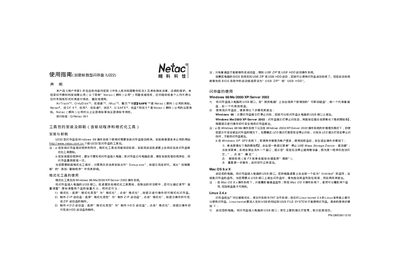
The Netac U222 USB flash drive manual provides step‑by‑step instructions for installing the driver and formatting tools on Windows, using the device on Windows, Mac OS and Linux, and managing the encrypted partition. It also explains how to create bootable ZIP or HDD disks and how to safely eject the drive.
Additional sections describe the encrypted‑disk utility, password management, error‑handling, and safety precautions such as backup recommendations and usage limits. This manual is written in Chinese.
| Supported Windows versions | Windows 98/Me/2000/XP/Server 2003 |
|---|---|
| Supported Mac OS versions | Mac OS 9.x (normal partition only) |
| Supported Linux kernel | Linux kernel 2.4 |
| Default encryption password | Empty (no password) |
Open the formatting tool, select “格式化” as the format type, and click the format button. Follow the prompts to complete formatting.
In the formatting tool choose “制作ZIP啟動盤” as the format type and click format. Follow the prompts to finish creating the bootable ZIP disk.
When the drive’s indicator light stops flashing, click the USB icon in the system tray and follow the on‑screen prompts to safely eject the device.
The encrypted partition is shipped with an empty password; you can set a new password using the management tool.