
Instructions on how to use Netac flash drives, including installing the driver, using the formatting tool and precautions
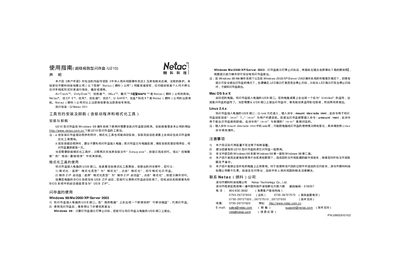
This manual explains how to install the driver and formatting tool for the Netac U210 USB flash drive, including steps for Windows, Mac OS, and Linux. It also covers safe removal procedures and troubleshooting tips.
Key sections include installation and uninstallation of the tool package, using the formatting utility to format the drive or create a bootable ZIP, operating‑system specific usage instructions, and important safety and compatibility notes. This manual is written in Chinese.
Download the U210 tool package from Netac’s website and run the Setup.exe; the formatting tool will be installed automatically.
When the drive’s indicator light stops flashing, use the OS’s safe‑remove feature (e.g., click the icon in the system tray on Windows) before unplugging the USB.