
This manual introduces the U221 type flash disk usage methods, including installation, formatting and use methods.
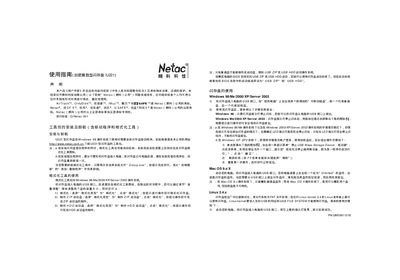
This manual explains how to install the driver and formatting tools for the Netac U221 USB flash drive, how to use its encryption partition, and how to safely remove the device on various operating systems. It also includes troubleshooting notes and warranty information.
The U221 supports Windows 98/Me/2000/XP/Server 2003, Mac OS 9.x, and Linux kernel 2.4. The formatting utility can create normal, ZIP‑bootable, or HDD‑bootable partitions, and the encryption tool protects sensitive data with a password. This manual is written in Chinese.
| Interface | USB |
|---|---|
| Supported Operating Systems | Windows 98/Me/2000/XP/Server 2003, Mac OS 9.x, Linux kernel 2.4 |
| Encryption Partition | Available on Windows platforms |