
This is the instruction manual of the U265 optical disc flash drive. It introduces how to install and uninstall the tool package, how to use the formatting tool, how to use the flash drive, and provides precautions.
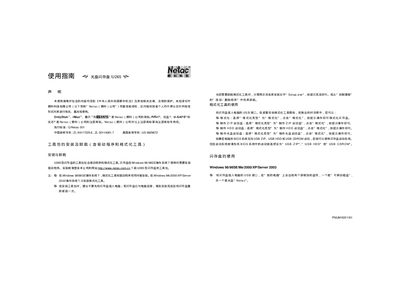
This guide explains how to install the driver and formatting tools for the Netac U265 flash drive, including steps for Windows 98/ME/2000/XP/Server 2003, Mac OS 9.x/10.x, and Linux 2.4x. It also covers creating bootable USB disks (ZIP, HDD, CD) and setting BIOS boot priorities.
Safety notes advise that the usable capacity may be less than the nominal capacity, recommend not using the U265 together with other flash drives, and describe the proper procedure for safely ejecting the device on each operating system. This manual is written in Chinese.
| Model | U265 |
|---|
When the flash drive’s indicator light stops flashing, click the “Safely Remove Hardware” icon in the system tray and follow the prompts before unplugging the USB connector.