
This is the user manual of Netac U208 USB flash drive, which introduces the usage of the flash drive, including installing driver, formatting, and booting system
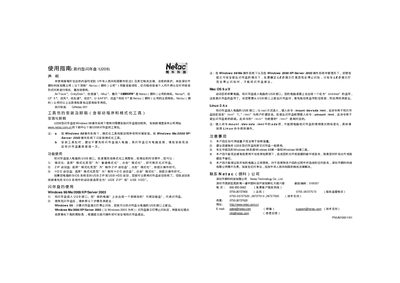
This manual explains how to install, format, and use the Netac U208 USB flash drive. It covers driver installation, formatting options, and boot‑able USB creation for supported operating systems.
Key sections include installation and uninstallation of the tool package, step‑by‑step formatting procedures, OS‑specific usage instructions for Windows, MacOS, and Linux, and safety guidelines for safely removing the device. This manual is written in Chinese.
Run the formatting tool, choose “普通格式化” as the format type, and follow the prompts.
Wait until the drive’s indicator light stops blinking, then use the safe‑remove option or unplug the USB connector.
The flash drive works with Windows 98/Me/2000/XP/Server 2003, MacOS 9.x, and Linux 2.4x.