
Explains the use of the wireless communication function
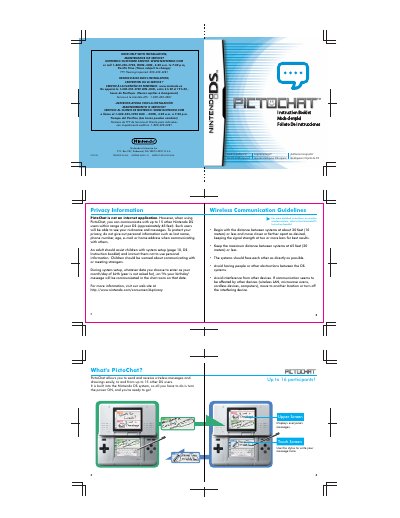
This manual explains how to use PictoChat on the Nintendo DS, a built-in feature for sending and receiving wireless messages and drawings. It covers setup, controls, and privacy guidelines. The system supports up to 16 participants and requires no DS card. Users can interact via stylus, touch screen, and buttons, with options to copy, draw, and send content. Privacy warnings advise against sharing personal information, and adult supervision is recommended for children.
Up to 15 other Nintendo DS users within range of your DS (approximately 65 feet).
The maximum distance between systems should be 65 feet (20 meters) or less.
No, PictoChat is not an internet application.