
The document provides information about the registration process for ArcSoft's product Funhouse and global customer support contact information.
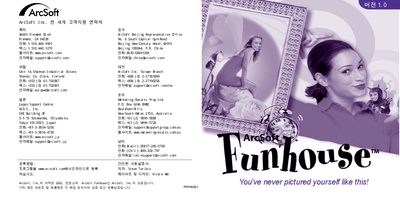
This manual explains how to install, configure, and operate the ArcSoft Funhouse application. It includes system requirements, setup steps, and contact details for support.
The document also lists supported operating systems, hardware specifications, and provides troubleshooting tips for common issues.
| Processor | Pentium |
|---|---|
| Memory (RAM) | 32 MB (64 MB max) |
| Minimum Disk Space | 150 MB |
The software requires a Pentium‑class processor, at least 32 MB of RAM (64 MB recommended), and about 150 MB of free disk space.