
This is a quick start guide, introducing the use of Arcsof t PhotoImpression
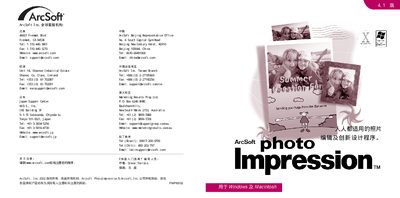
This guide introduces ArcSoft PhotoImpression, a user-friendly photo editing software for Windows and Macintosh. It covers installation, basic usage, editing tools, and features like templates, effects, and printing. The guide is designed for beginners and includes system requirements and step-by-step instructions for getting started.
The software supports TWAIN devices for scanning and camera capture, includes embedded tools like PhotoPrinter and Funhouse, and offers features such as layer editing, undo/redo, and dynamic effects. It is available in both English and Chinese versions, with support for multiple regions including North America, Europe, Japan, China, Taiwan, Australia, and Latin America. This manual is written in Chinese.
| CPU | Pentium or equivalent |
|---|---|
| RAM | 64 MB |
| Hard Disk Space | 175 MB |
| Display Resolution | 800 x 600 |
It requires Windows 98/ME/2000/XP or Macintosh OS 8.6/9/X, a Pentium or equivalent CPU, 64 MB RAM, 175 MB free disk space, and an 800 x 600 color display.
Yes, you can print multiple images per page using the 'Standard Print' or 'Photo Card/Composite Print' options.