
This is a quick start guide about PhotoImpression software.
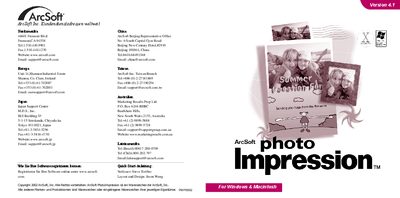
This guide introduces ArcSoft PhotoImpression, an image‑editing program for Windows and Macintosh. It explains how to install the software from the CD, register the product, and start the application.
The document also describes the main interface, how to import images from files or TWAIN devices, work with albums, edit pictures, use cropping and layer tools, and print images or cards. System requirements for both platforms are listed at the end. This manual is written in German.
| Supported Windows versions | Windows 98/ME/2000/XP |
|---|---|
| Processor requirement (Windows) | Pentium or compatible |
| Free disk space (Windows) | 175 MB |
| RAM (Windows) | 64 MB |
| Processor requirement (Mac) | PowerPC |
| Free disk space (Mac) | 175 MB |
| RAM (Mac) | 64 MB |