
This document provides information about ArcSoft Inc.'s online program and contact details for its global customer support centers.
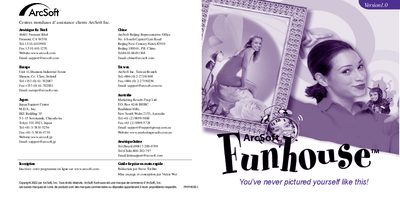
This guide introduces ArcSoft Funhouse, a program that lets you combine photos to create humorous images such as placing faces on monuments, magazine covers, or pets. It explains the supplied templates, how to select or create your own models, and the basic workflow of importing photos, adjusting them, adding text, and printing.
The document also covers system requirements for Windows and Macintosh, detailed installation steps, and how to use the editing tools (masking, resizing, rotating, color matching, and text addition). Additional sections describe saving images, creating custom models, sending results by e‑mail, and where to find further help. This manual is written in French.