
This is a quick start guide for PhotoImpression software. It introduces how to register, features and characteristics of the product.
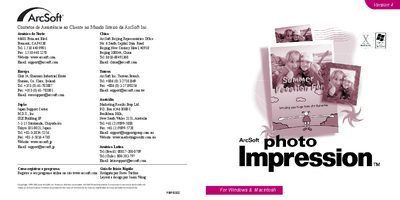
ArcSoft PhotoImpression is an image‑editing program aimed at general consumers. It lets users edit, retouch, enhance and add special effects to digital photos, and includes a variety of project templates for cards and calendars.
The guide covers system requirements, how to install the software on Windows or Macintosh, and how to use core functions such as acquiring images via TWAIN devices, working with albums, editing tools, layers, and printing options. This manual is written in Portuguese.
| Supported Windows OS | Windows 98/ME/2000/XP |
|---|---|
| Minimum RAM | 64 MB |
| Free Disk Space | 175 MB |
| Minimum Monitor | 16‑bit color, 800 × 600 |
| Supported Macintosh OS | OS 8.6/9/K on PowerPC |