
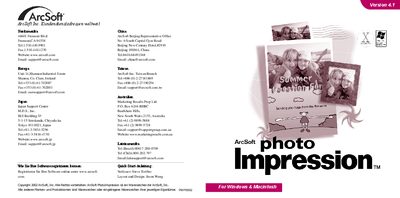
The Quick Start Guide introduces PhotoImpression, a user‑friendly image editing program that offers photo retouching, special effects, frames, and project templates for cards and calendars. It highlights the program’s graphical interface and the ability to import images from disks or TWAIN‑compatible devices.
The guide walks users through system requirements, installation on Windows or Macintosh, and basic operations such as importing photos, using editing tools, creating albums, printing, and the “multiple crop” feature. It also points to an online help file for detailed assistance. This manual is written in German.
| Operating System (Windows) | Windows 98/ME/2000/XP |
|---|---|
| Processor (Windows) | Pentium or compatible |
| Free Disk Space | 175 MB |
| RAM (Windows) | 64 MB |
| Operating System (Mac) | Mac OS 8.6/9/X |
| Processor (Mac) | PowerPC |
| RAM (Mac) | 64 MB |