
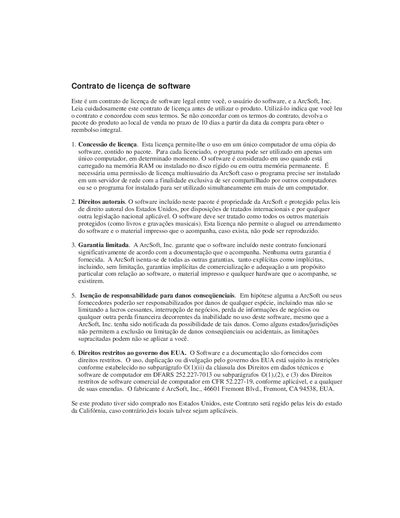
This is an ArcSoft software license agreement, which specifies the conditions under which users can use the software, including but not limited to the usage time, the number of devices used, and the usage scope.
The manual introduces PhotoStudio, a Windows 95/98/Me/2000/NT image editing application, and explains how to install, register, and use its features. It covers the workspace layout, basic editing commands, file handling, and advanced tools such as layers, macros, and special effects.
Additional sections describe supported image formats, color handling, album management, printing, email export, and provide appendices with file format details and a glossary. Contact information for ArcSoft technical support is also included. This manual is written in Portuguese.
| Supported operating systems | Windows 95, 98, Me, 2000, NT |
|---|---|
| Supported image file formats | .PSF, JPG, BMP, TIF, PNG, PCX, TGA, FPX, PCD, EPS |
Call 510‑440‑9901 (Monday‑Friday 8:30 am‑5:30 pm PST), fax 510‑440‑1270, or email [email protected].