
The document 'Safety Instructions and Maintenance' is a PDF file that mainly includes precautions to be taken when using the product, such as not applying pressure to the panel surface and not inserting hands or foreign objects into the body. It also provides instructions on how to clean and maintain the product properly, as well as what measures to take in case of malfunctions. The document also mentions other precautions, such as using the appropriate power cord, avoiding high temperature and humid environments, and avoiding prolonged display of static images. Overall, the document aims to guide users in the safe use and maintenance of the product.
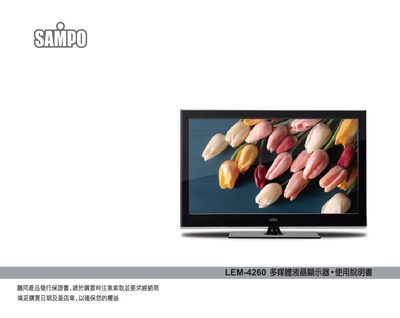
This manual explains how to safely set up and use the Sampo LEM-4260 multimedia LCD monitor. It covers power requirements, proper handling, cleaning, and troubleshooting steps to ensure reliable operation.
Important safety notes include keeping the panel away from pressure, avoiding exposure to moisture, and unplugging the unit before cleaning or moving. The document also lists service center contact information for warranty and repair support. This manual is written in Chinese.
| Power Supply Voltage | AC 100‑240 V, 50/60 Hz |
|---|
Use a soft cloth; do not use abrasive materials, sprays, or solvents.
A static image can cause image retention, so avoid leaving the same picture displayed for extended periods.
Disconnect the power immediately and have the unit inspected by a qualified service technician.