
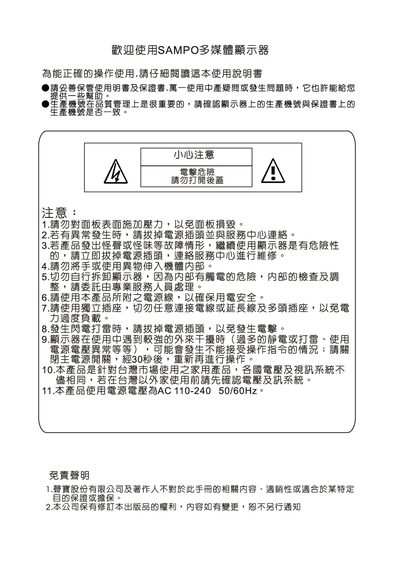
Sampo Multimedia LCD Monitor User Manual


Sampo Multimedia LCD Monitor User Manual - cover page
Brand
Sampo
Category
Monitor
Document type
User Manual
Language
Chinese
Pages
22
File format
PDF
File size
9.5 MB
Published
19 March, 2012
Updated
29 September, 2023
MD5 checksum
DB94575639F2B36DC74B4505C8E9CD55

About this manual

This manual explains safety precautions, proper handling, and installation requirements for the Sampo multimedia LCD monitor. It includes warnings about electrical safety, proper ventilation, and cleaning methods.

The guide covers connecting the monitor via HDMI, RGB, or RS‑232, basic operation such as power on/off, input mode selection, and image adjustments, as well as troubleshooting tips and specifications. This manual is written in Chinese.

What's inside

  • Safety Instructions
  • Packaging and Accessories
  • Understanding the Monitor
  • Connecting the Monitor
  • Basic Operation
  • Power Indicator and Controls
  • Input Mode Selection
  • Image Adjustment
  • Troubleshooting
  • Specifications

Frequently asked questions

How do I turn the monitor on and off?

Press the POWER button to turn the monitor on; press it again to turn it off.

What do the power‑indicator colors mean?

No light means the monitor is not receiving power, yellow indicates standby, and green means the power is on.

How can I select the input signal mode?

Press the INPUT button to choose the desired signal input mode.

Download PDF (9.5 MB)

More Sampo Manuals


View all Sampo manuals →