
This document is the safety instructions and maintenance instructions for the Sampo LCD display
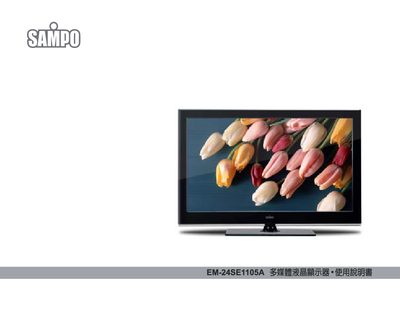
This manual explains safe handling of the Sampo EM-24SE1105A multimedia LCD monitor, including warnings against applying pressure to the panel, using proper power cords, and avoiding exposure to extreme temperatures, moisture, or direct sunlight. It also details how to clean the screen and case with a dry soft cloth and how to properly disconnect power before cleaning or moving the unit.
Installation guidance covers wall‑mounting requirements, ensuring a secure bracket and at least 10 cm clearance for heat dissipation. The guide then walks through connecting the monitor to computers, HDMI, USB, audio devices, and configuring signal input, volume, image, sound, time settings, and USB functions. A troubleshooting section helps resolve common issues such as abnormal sounds, power problems, or display artifacts. This manual is written in Chinese.
Immediately unplug the power cord and contact the service center for repair.
Turn off and unplug the monitor, then wipe the panel with a clean soft cloth; do not use spray cleaners, solvents, or chemicals on the surface.
The monitor operates on AC 100‑240 V, 50/60 Hz.