
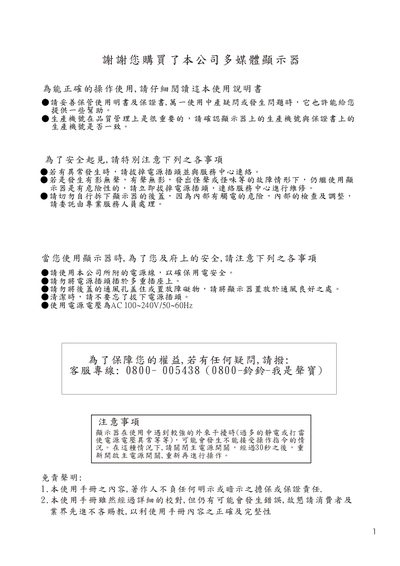
This manual explains safe usage of the multimedia LCD monitor, including power requirements, ventilation clearance, cleaning methods, and precautions against electrical interference and lightning. It also details warranty conditions and the importance of using only authorized accessories.
The guide describes basic operation controls such as power, menu, volume, and input selection, as well as OSD settings, picture modes, and audio adjustments. It includes wall‑mount specifications for different screen sizes, providing screw‑hole patterns, inclination angles, and mounting‑plate thicknesses. This manual is written in Chinese.
| Power input voltage | AC 100~240V/150~60Hz |
|---|---|
| Wall‑mount screw hole pattern | 8 mm × 12 mm |
| Wall‑mount inclination angles | 0°, 5°, 10°, 15° |
| Wall‑mount angle thickness (32/37‑inch) | 41 mm |
| Wall‑mount angle thickness (42‑inch) | 74 mm |
| Recommended side ventilation clearance | 10 cm |
| Recommended top ventilation clearance | 30 cm |
Turn off the main power, wait about 30 seconds, then turn the power back on.
The wall‑mount uses an 8 mm and a 12 mm screw‑hole pattern.
Maintain at least 10 cm of clearance on each side and 30 cm above the monitor.
The mount can be set to 0°, 5°, 10°, or 15°.