
This manual introduces the safety instructions, installation, cleaning, use and maintenance services of Sampo multimedia display (model: LM-42HN110).
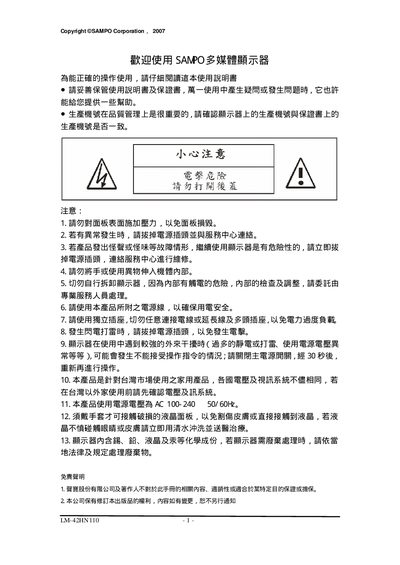
This manual explains safety precautions, proper installation, and handling of the SAMPO LM-42HN110 multimedia monitor. It includes warnings about electrical safety, handling of the LCD panel, and environmental restrictions.
Detailed sections cover the packing list, connection methods (D‑Sub, HDMI, SPCIF, network), basic operation controls, fault troubleshooting, supported display modes, and wall‑mount specifications. This manual is written in Chinese.
| Input voltage | AC 100‑240 V 50/60 Hz |
|---|---|
| VGA resolution | 640×480 @ 60 Hz |
| XGA resolution | 1024×768 @ 60 Hz |
| SXGA resolution | 1280×1024 @ 60 Hz |
It operates on AC 100‑240 V at 50/60 Hz.
Connect a 15‑pin D‑Sub RGB cable from the PC’s D‑Sub output to the monitor’s D‑Sub port.