
This document is a user manual for a product, including information on product connections, basic setup, disc playback, and tuning the radio.
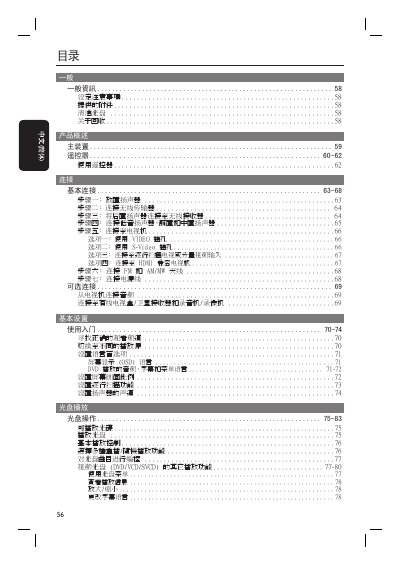
This manual provides step-by-step instructions for setting up and operating a Sony home theater system. It covers connecting speakers, configuring audio and video inputs, and using the remote control. The guide also includes troubleshooting tips and safety precautions for optimal performance.
The system includes a main unit, wireless transmitter and receiver, and multiple speakers. It supports various connection options including HDMI, S-Video, and analog inputs. Users can play DVDs, VCDs, SVCDs, MP3, WMA, and JPEG files, and adjust audio settings including surround sound and language preferences. This manual is written in Chinese.
Place the subwoofer in a corner of the room, or if not, keep it at least one meter away from the TV.
Connect the wireless transmitter to the WIRELESS TRANSMITTER interface on the back of the main unit.
Connect the REAR LEFT and REAR RIGHT speaker cables to the matching ports on the bottom of the wireless receiver.